
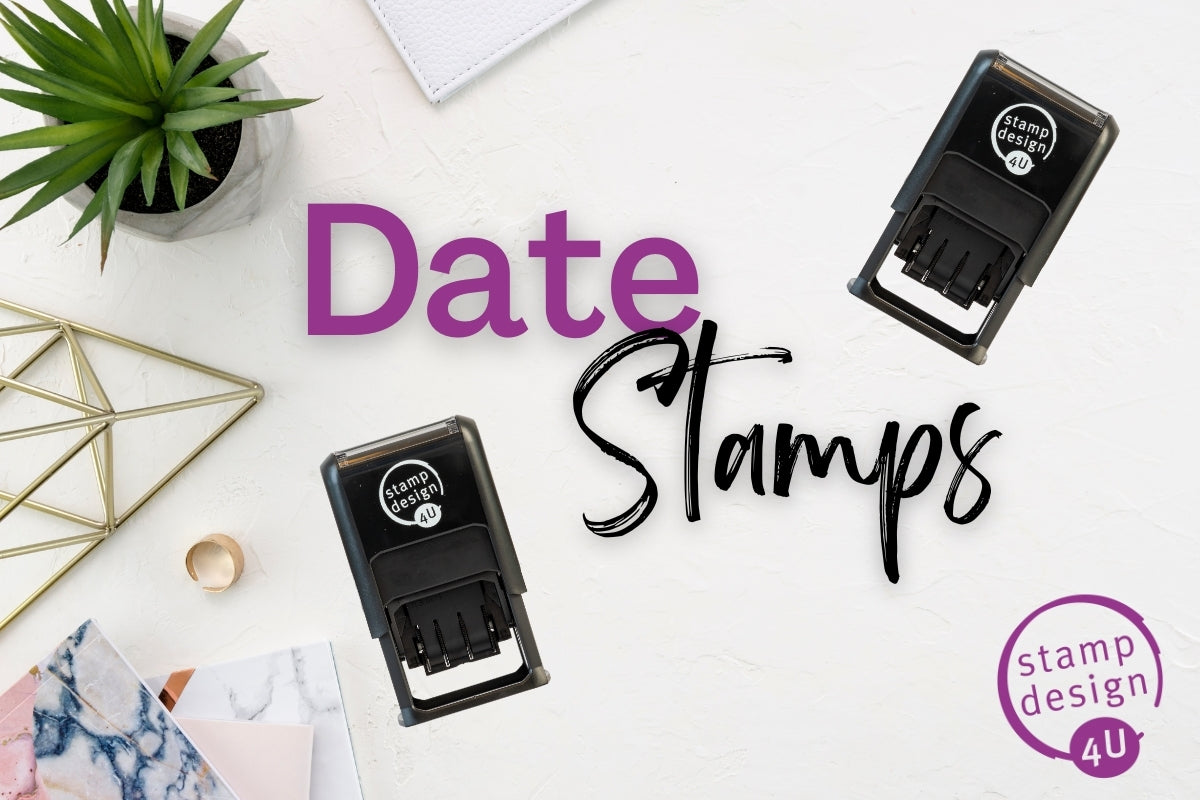
Choose a personalised date stamp for your workflow
A personalised date stamp combines an adjustable date with your own wording, such as a business name, department or processing instruction. Choose the layout around the information you need to record. It can help repeat a consistent format, but you still need to set and check the date before stamping.
Start with our personalised date stamp range. If a standard word such as PAID or APPROVED suits your process, compare the stock date stamp range before ordering custom wording.
Compare personalised date-stamp models
| Model | What to check before choosing |
|---|---|
| 4850 personalised date stamp | Check the available custom-text area and its position relative to the date. Keep the wording focused. |
| 4750 personalised date stamp | Compare the complete layout, date position and space for your chosen wording. |
| Trodat Printy 4727 | Review the available layout where your design needs more surrounding information. |
Use each linked product's current options and visual to assess your design. Dimensions describe the impression or specified print area, never the outer casing. Where a product gives separate text-area and date-height measurements, do not treat the text-area measurement as the size of the complete dated impression.
What wording should you include?
Keep the message tied to one task: for example, a department name above the date or an instruction identifying when an item was received. A business logo may need a different layout from a short text-only instruction. Ask us to check the selected model if you need a logo alongside the date; do not assume every date-stamp template accepts the same design.
A date stamp records the date you select. It does not automatically read today's date, verify a transaction or establish that a document has been approved. Build a quick date check into the beginning of each working day and after adjusting the bands.
Date-band years and replacement pads
Before ordering, ask about the year range on the actual model and stock being supplied, especially if you need a particular future year. There is no single date-band lifetime that applies to every product. When an impression becomes faint, check the compatible replacement pad and the stamp's condition rather than assuming the whole mechanism needs replacing.
For standard wording examples and daily setup advice, read our date stamp buying guide.
Ink, artwork and ordering checks
Standard office stamp ink is intended for suitable absorbent paper and matt card. Glossy labels, coated packaging, fabric and other materials need advice on the correct stamp and ink combination. Test the actual material before committing to a production run. Replacement pads must match the model; check the selected product for available ink colours and package contents.
Where the selected personalised product offers artwork upload, use SVG, PNG or JPG/JPEG in the online personaliser. PDF upload is not currently supported in the online personaliser. If you only have a PDF, contact us before ordering. Use a clear design that remains readable at the chosen impression size. Text capacity depends on the model, font and complete layout. Check the visual in the personaliser; a separate manual proof is available on request. A preview shows the layout, rather than guaranteeing how ink will behave on a particular surface.
Delivery and help
We aim to despatch eligible orders placed before midday, but this is an aim rather than a guarantee: stock may need ordering in. Free tracked UK delivery is available on orders over £39.99. Tracking is added to the order on despatch. DPD zones B, C and D are sent by Royal Mail Tracked 48. Delivery service, production time and transit time are separate considerations; contact us before ordering for a specific deadline.
We provide free replacements for missing orders and errors. For help choosing a model, checking date-band years or discussing a deadline, call 01695 769113 or email info@stampdesign4u.co.uk.


