
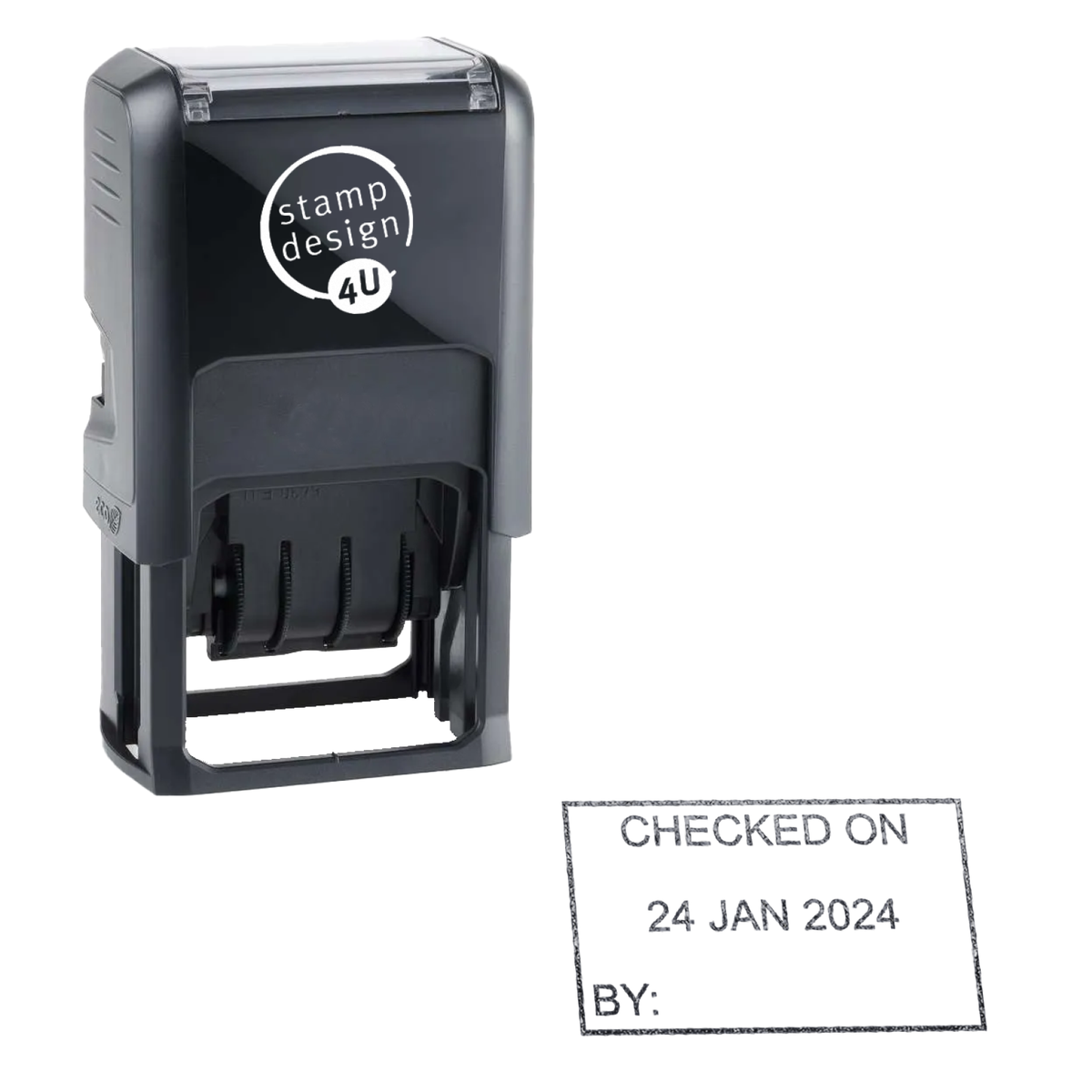


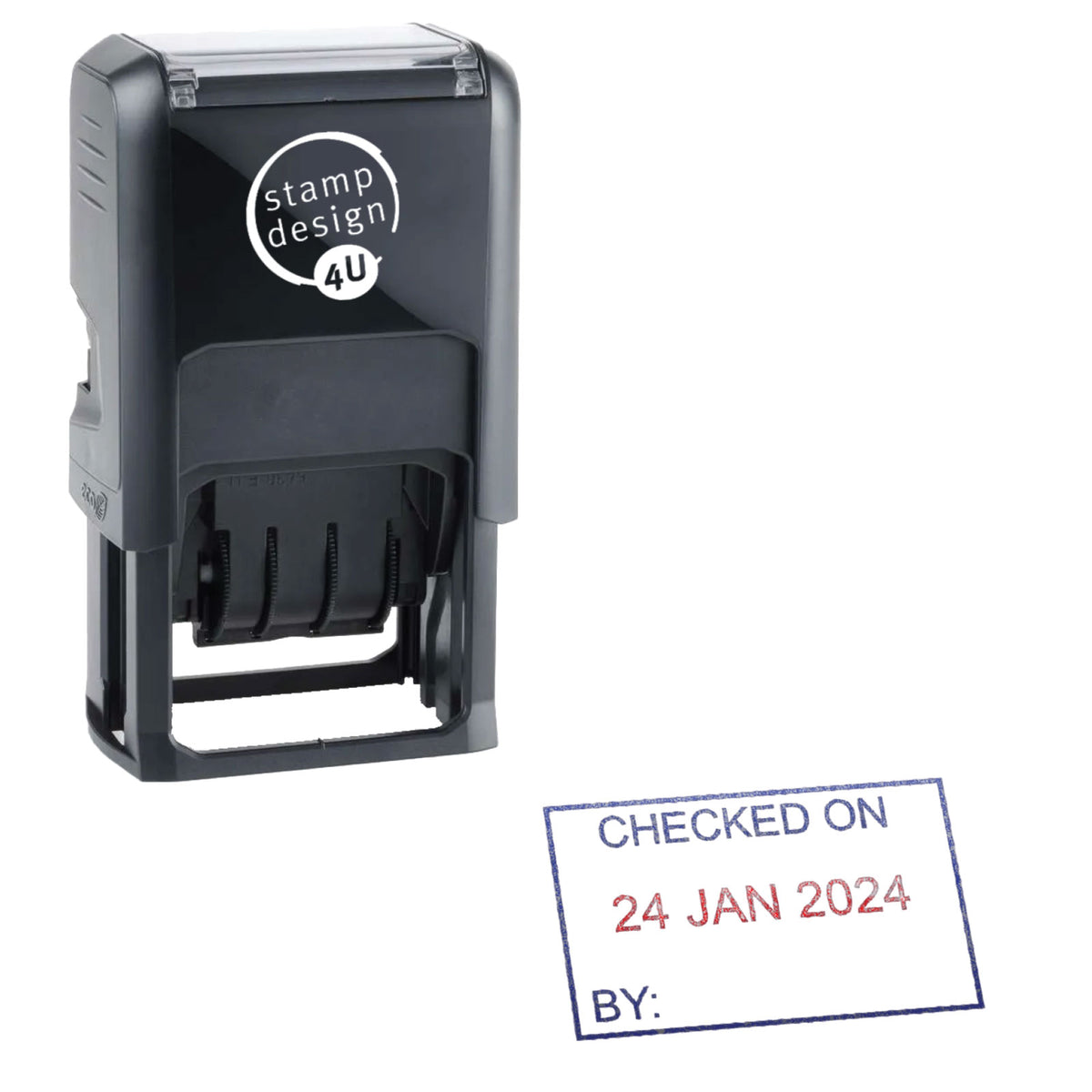
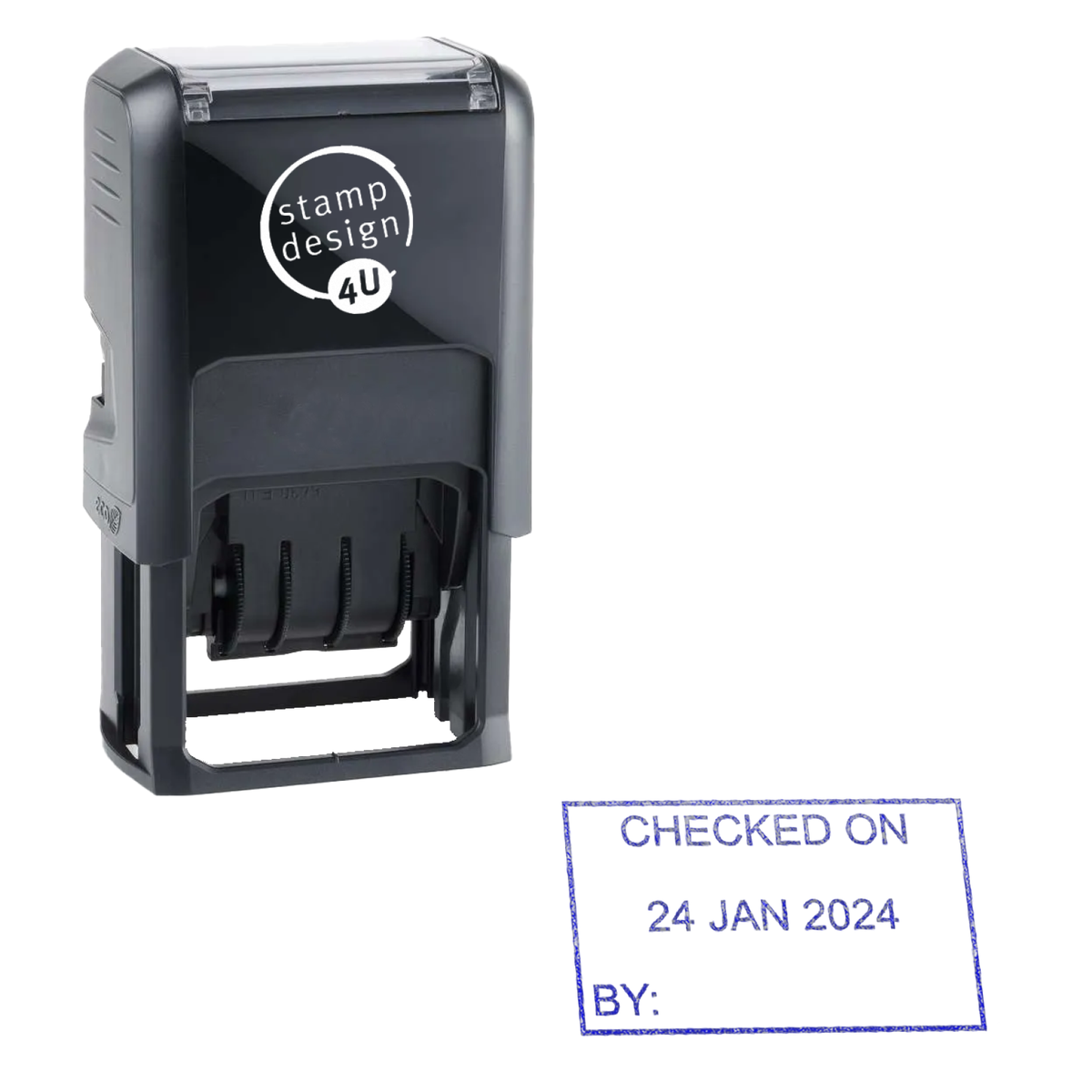
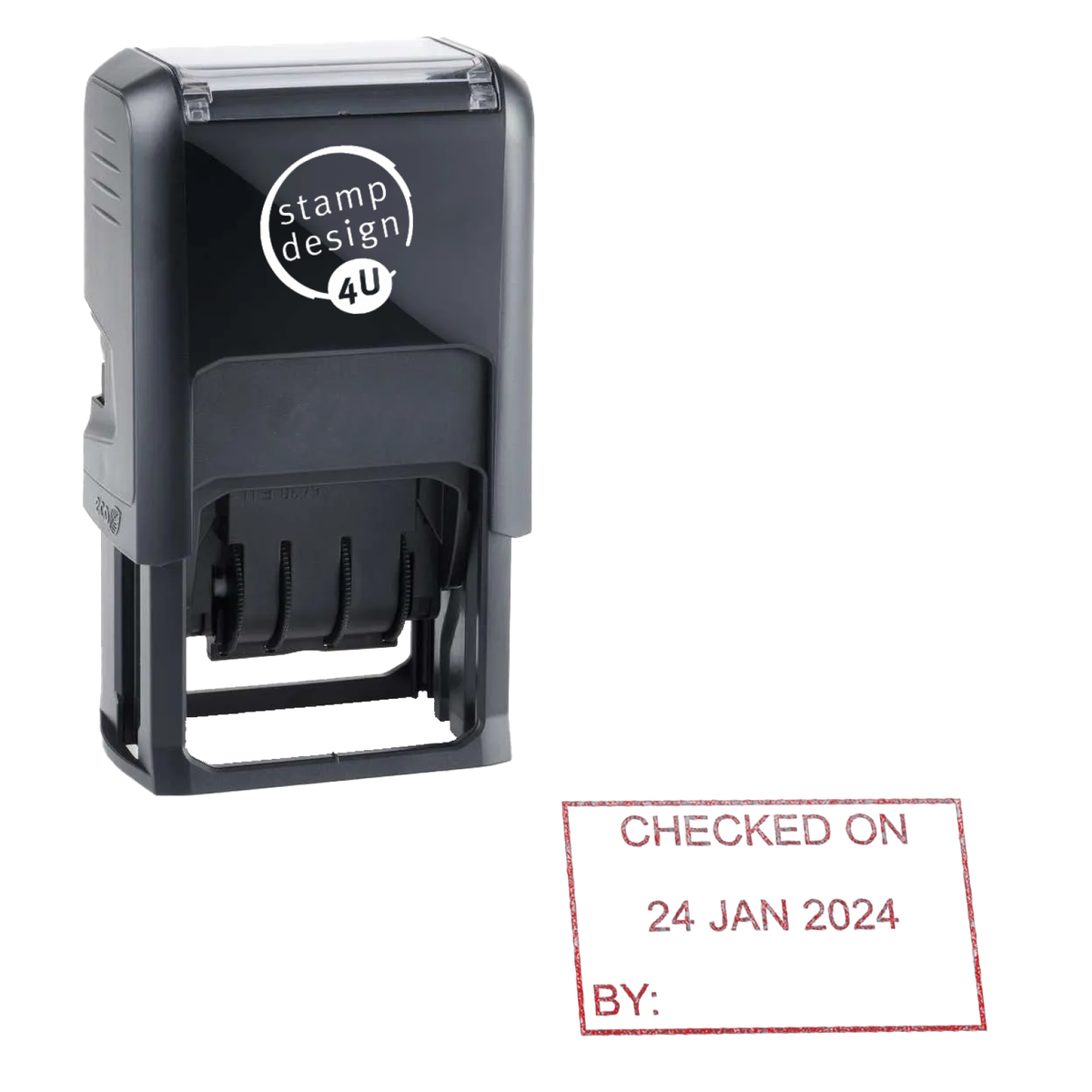


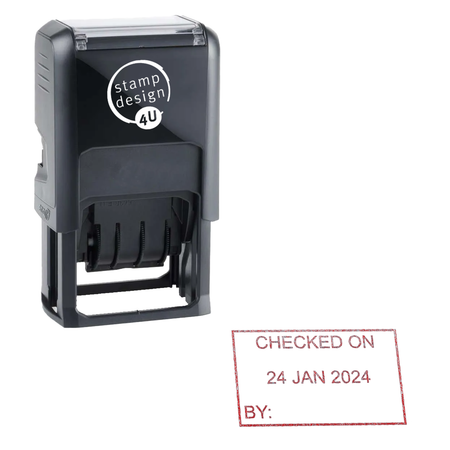
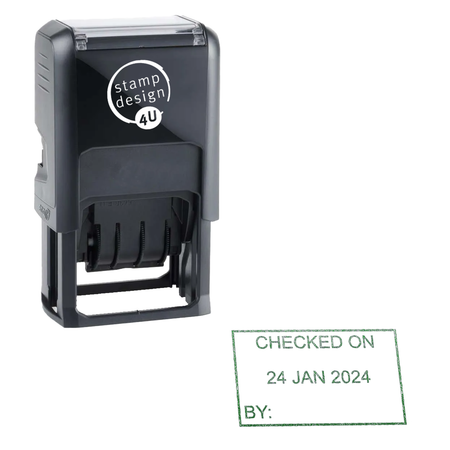
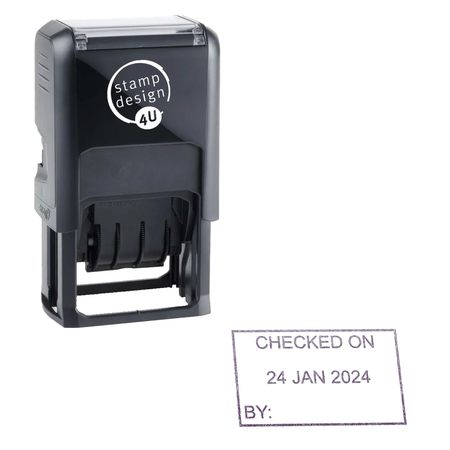


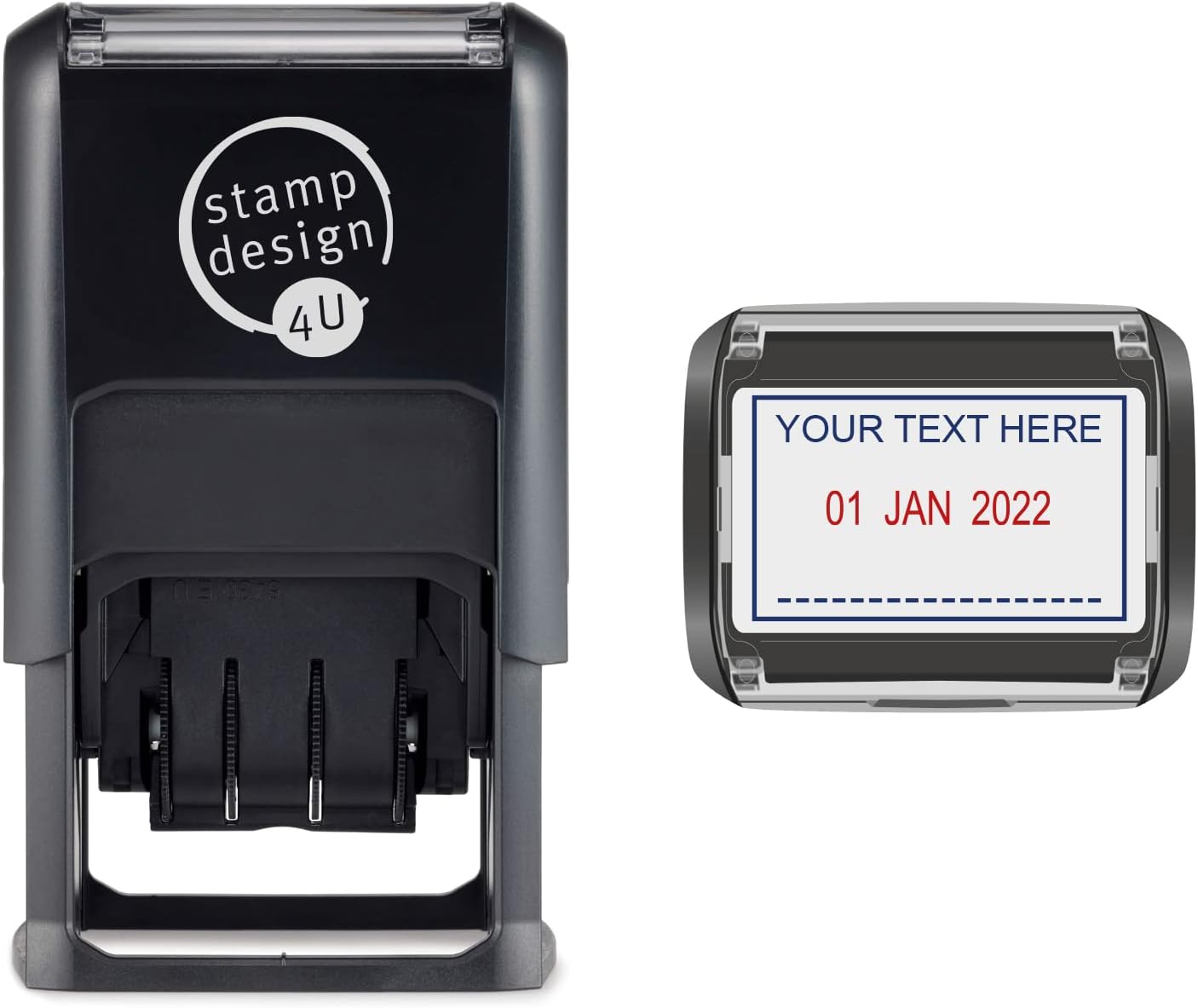
Personalised Date Stamp with Custom Text | Trodat Printy 4750 Dater Stamp | 2 Lines of Text | Choice of 6 Ink Colours
- Impression size: 41 × 24mm
- Personalisation: Up to 2 lines of your own text
- Replacement pads: Compatible 6/4750 pads available
Couldn't load pickup availability
Creating a corrected design
Your original item is still safely in your basket.
KEY BENEFITS
Made for confident everyday use
- Fast repeat dating
- Clear changeable date bands
- Self-inking operation
- Replaceable ink pad
SPECIFICATIONS
Product specifications
- Impression size
- 41 × 24 mm
- Replacement pad
- 6/4750
- Typical workload
- Frequent
PERSONALISATION
How personalisation works
Create your design using the existing product personaliser above.
-
Choose your options
Select the available product and ink options.
-
Add your artwork or Text.
Upload and position your artwork in the personaliser.
-
Review and order
Check your design before adding the personalised product to your basket.
COMPATIBLE ESSENTIALS
Keep your stamp working
Replacement pads and refill ink matched to this stamp model.


ALTERNATIVES
Similar Models
Compare similar personalised stamp models from our leading brands.

Colop
Colop R30 Dater 30mm Round Personalised Date Stamp
Impression: 30 × 30 mm
EXPERT GUIDANCE
Helpful guides
PRODUCT DETAILS
Product description
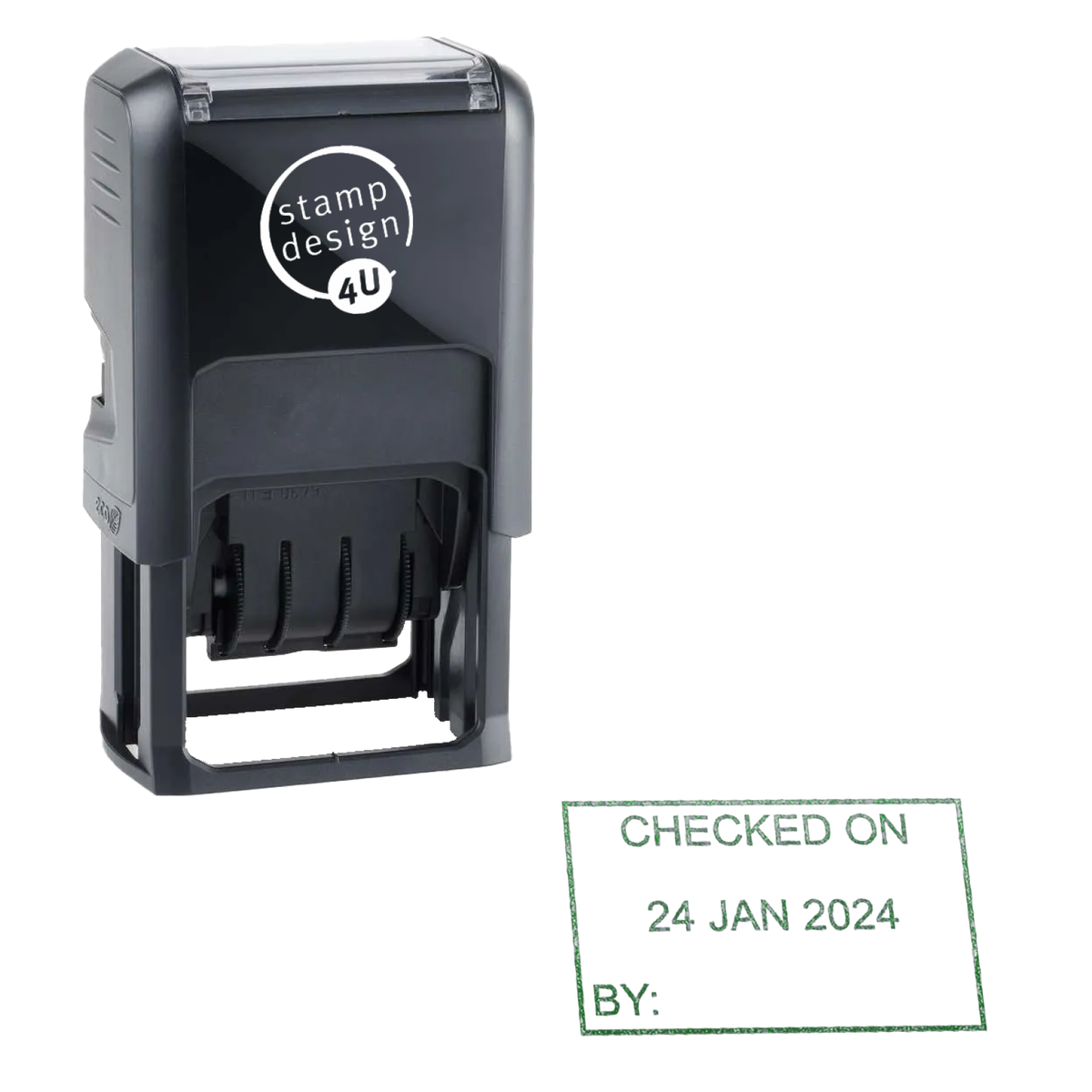
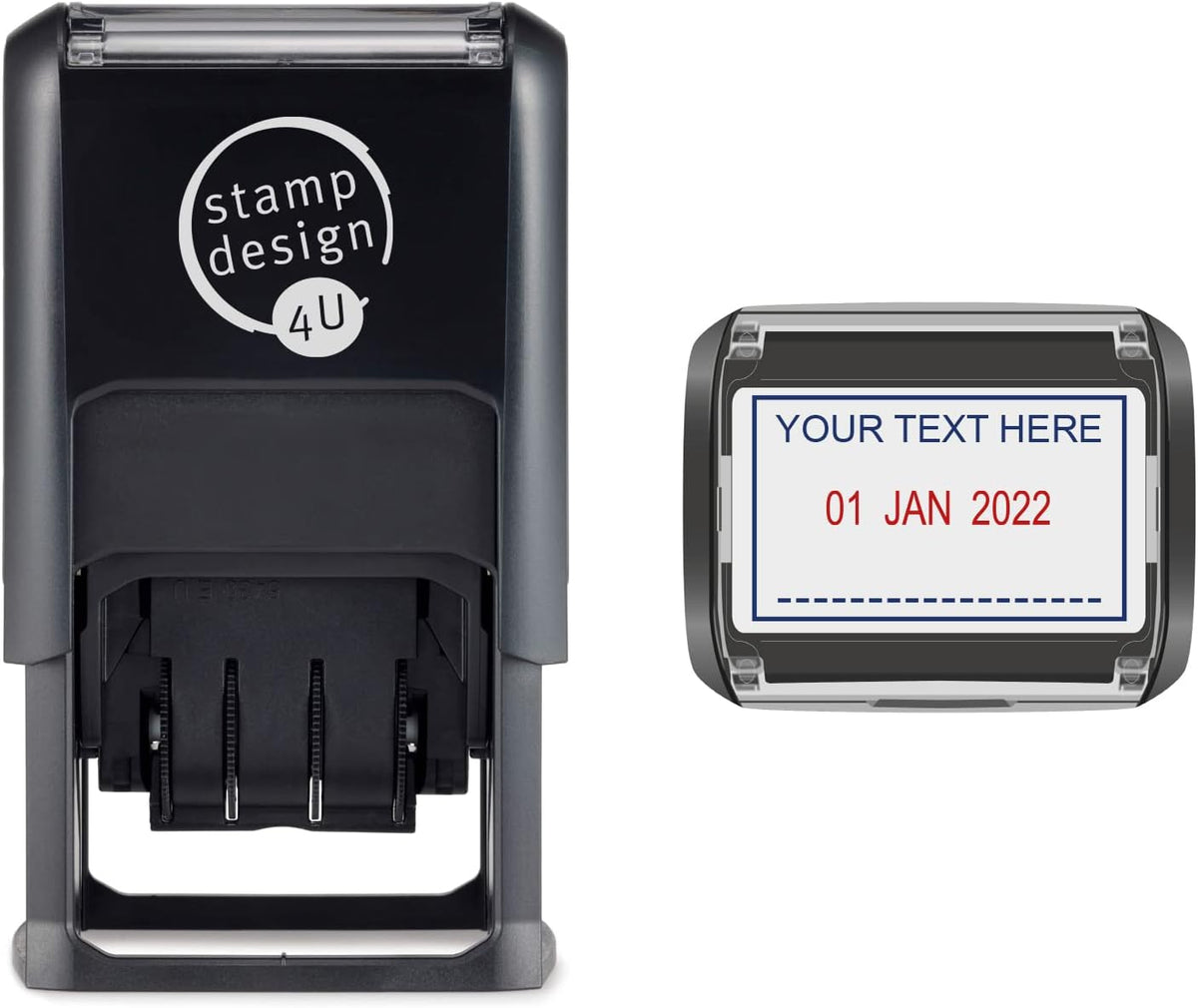
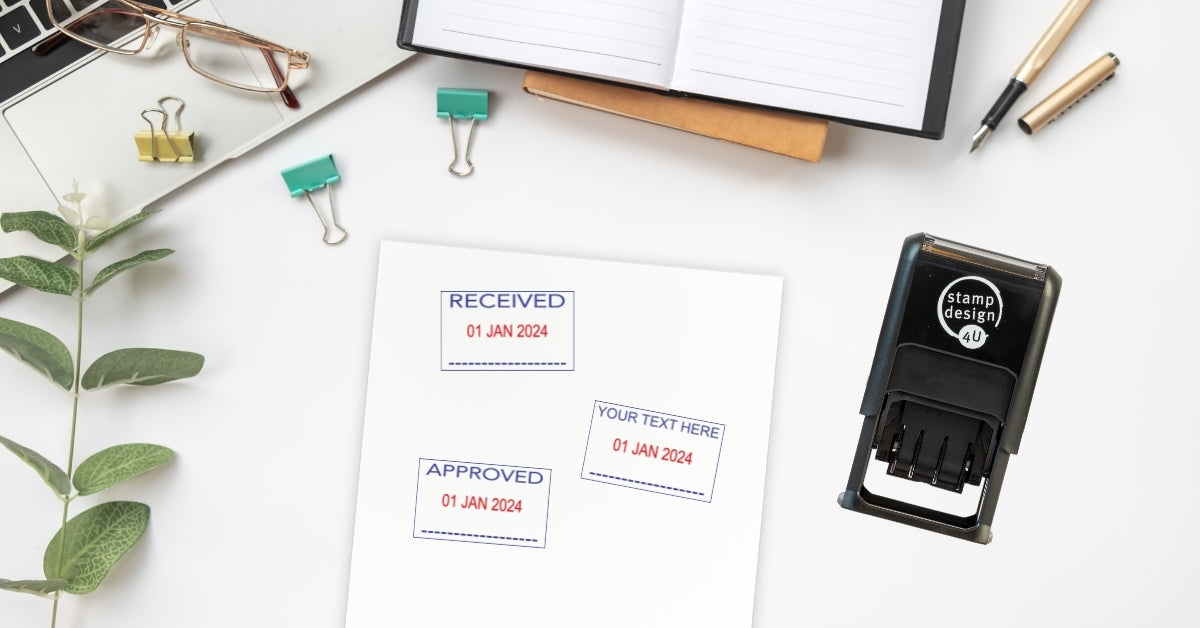
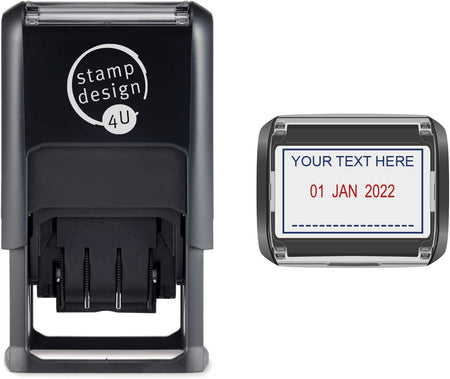
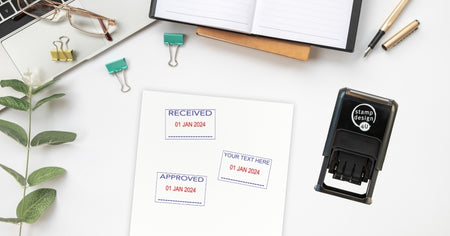
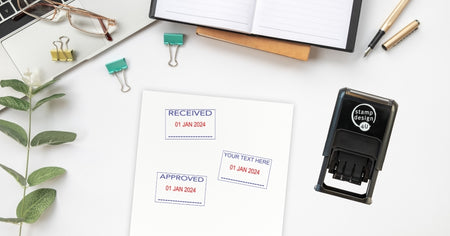
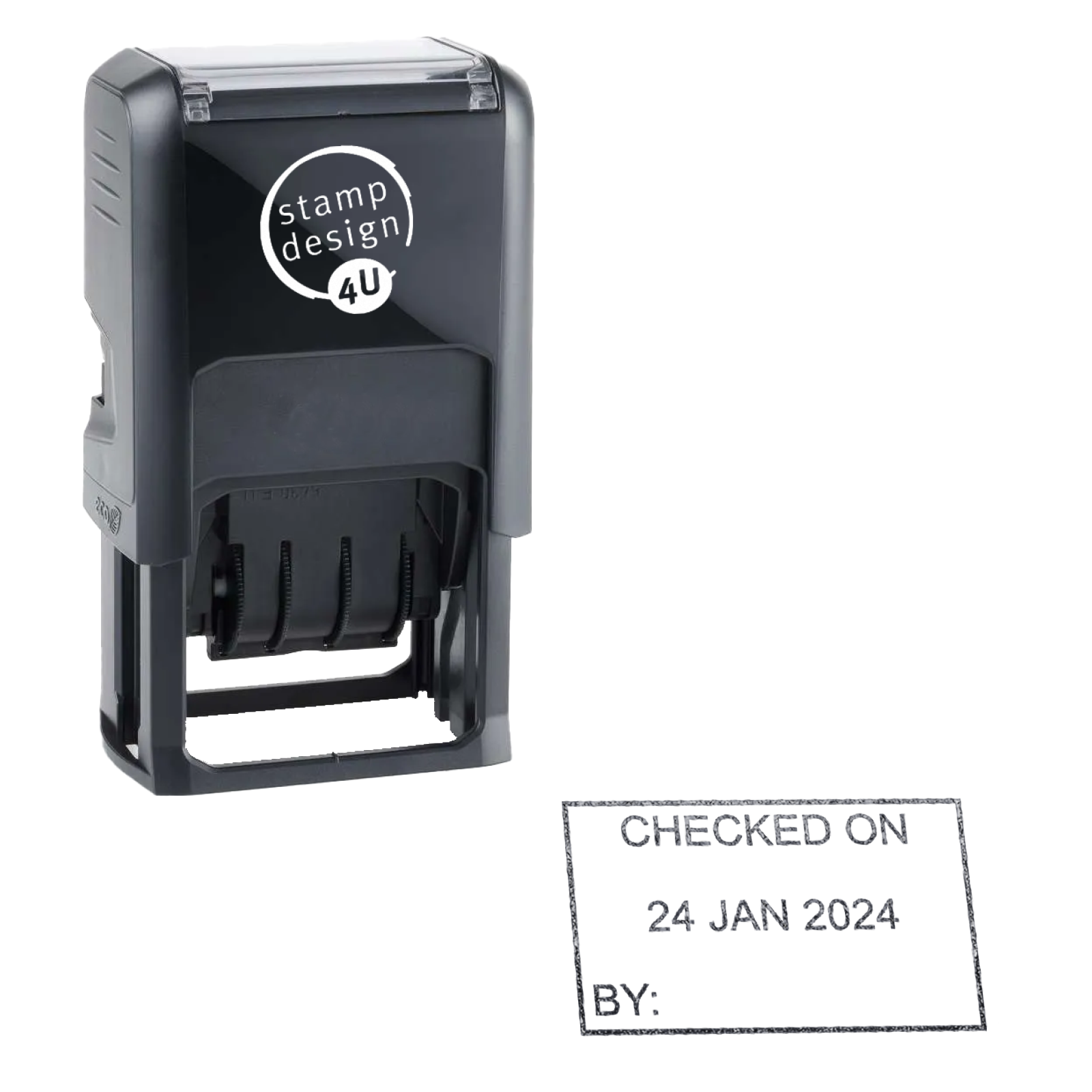
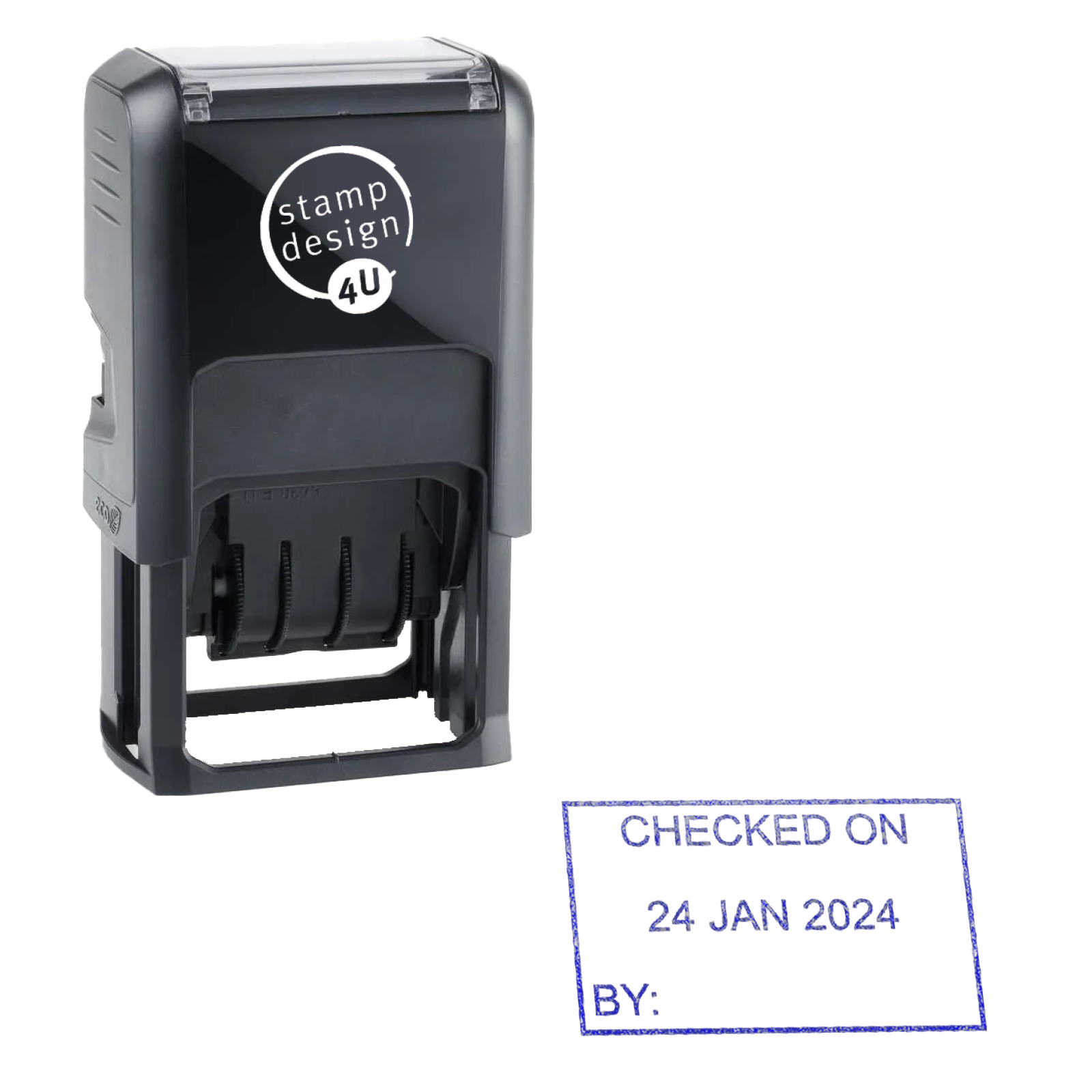
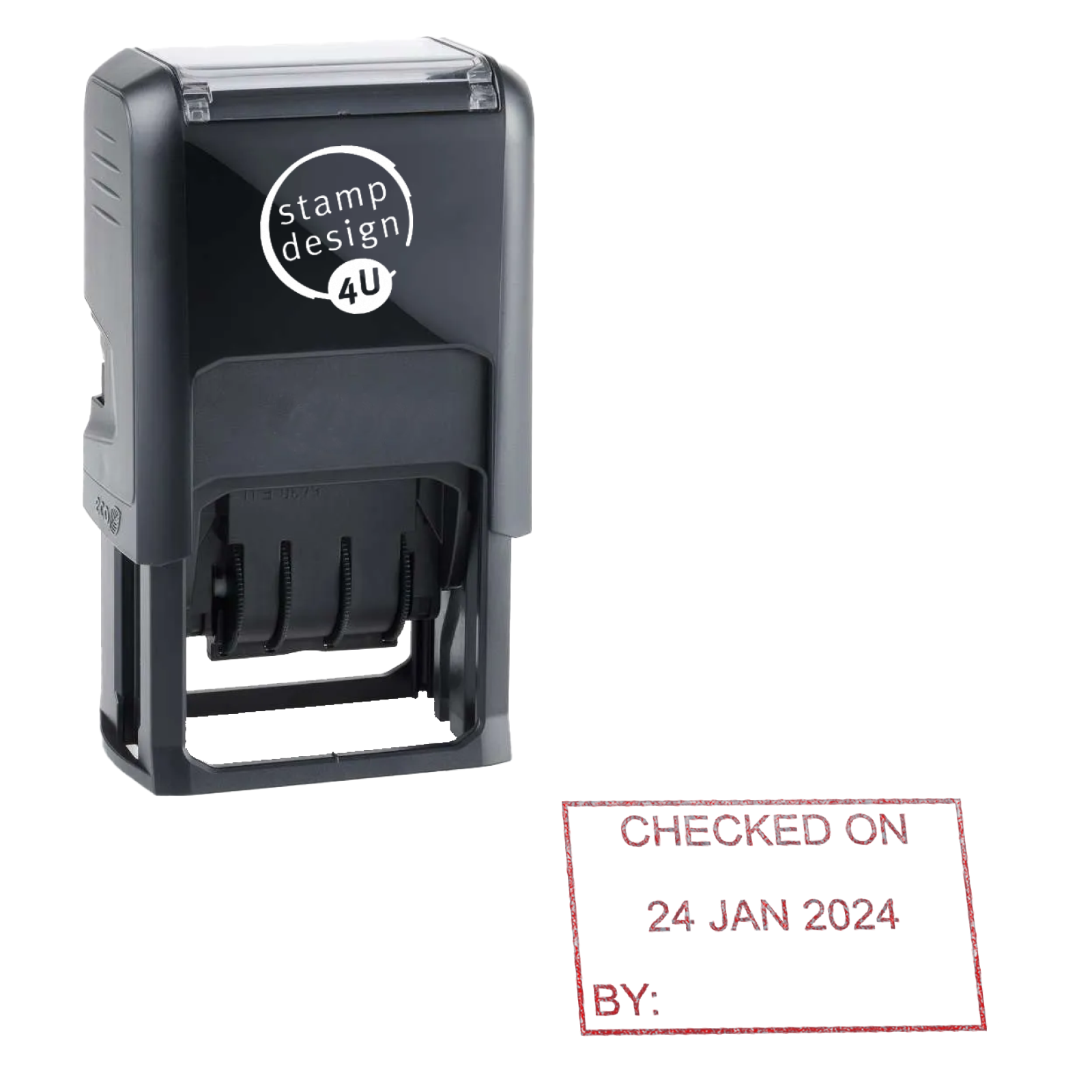
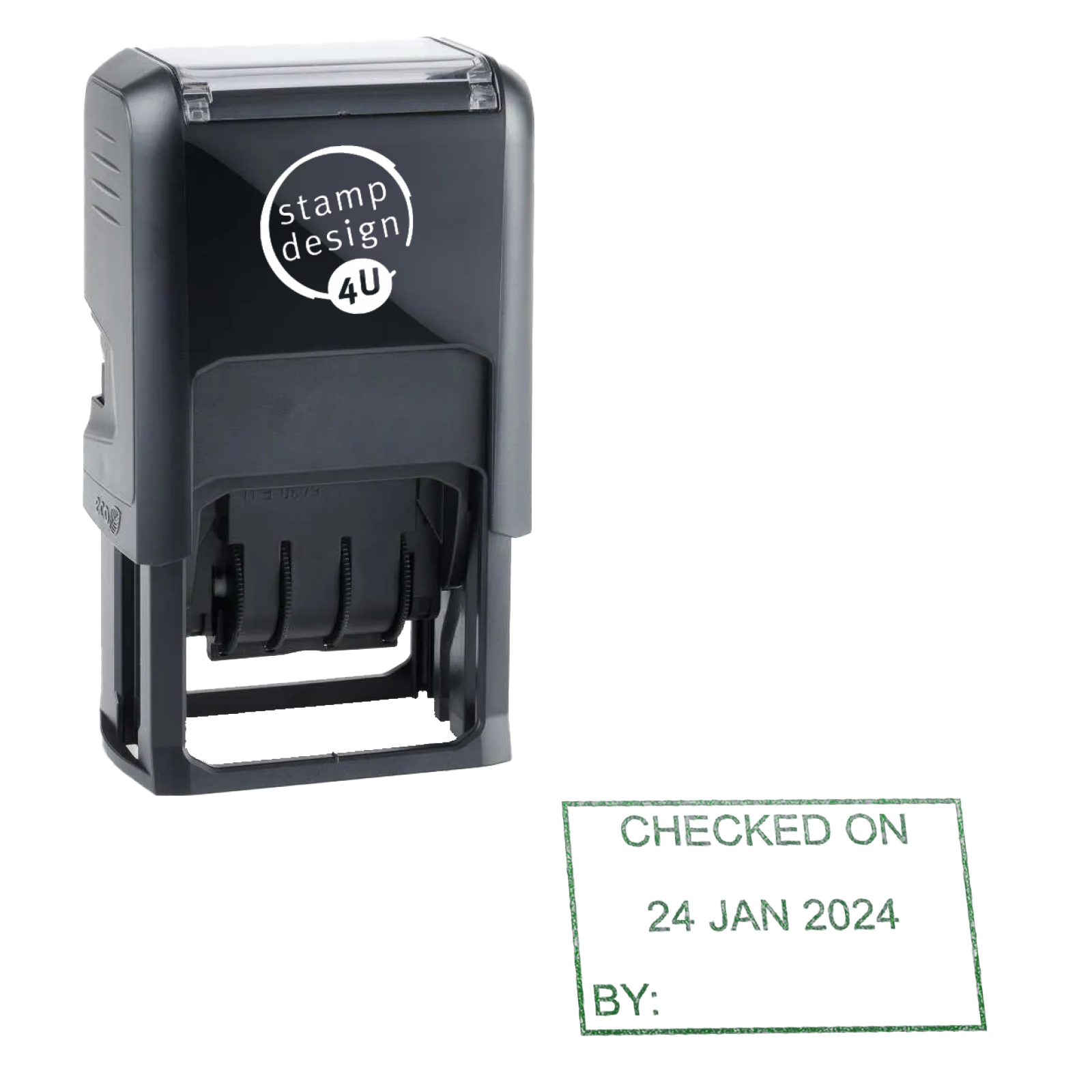
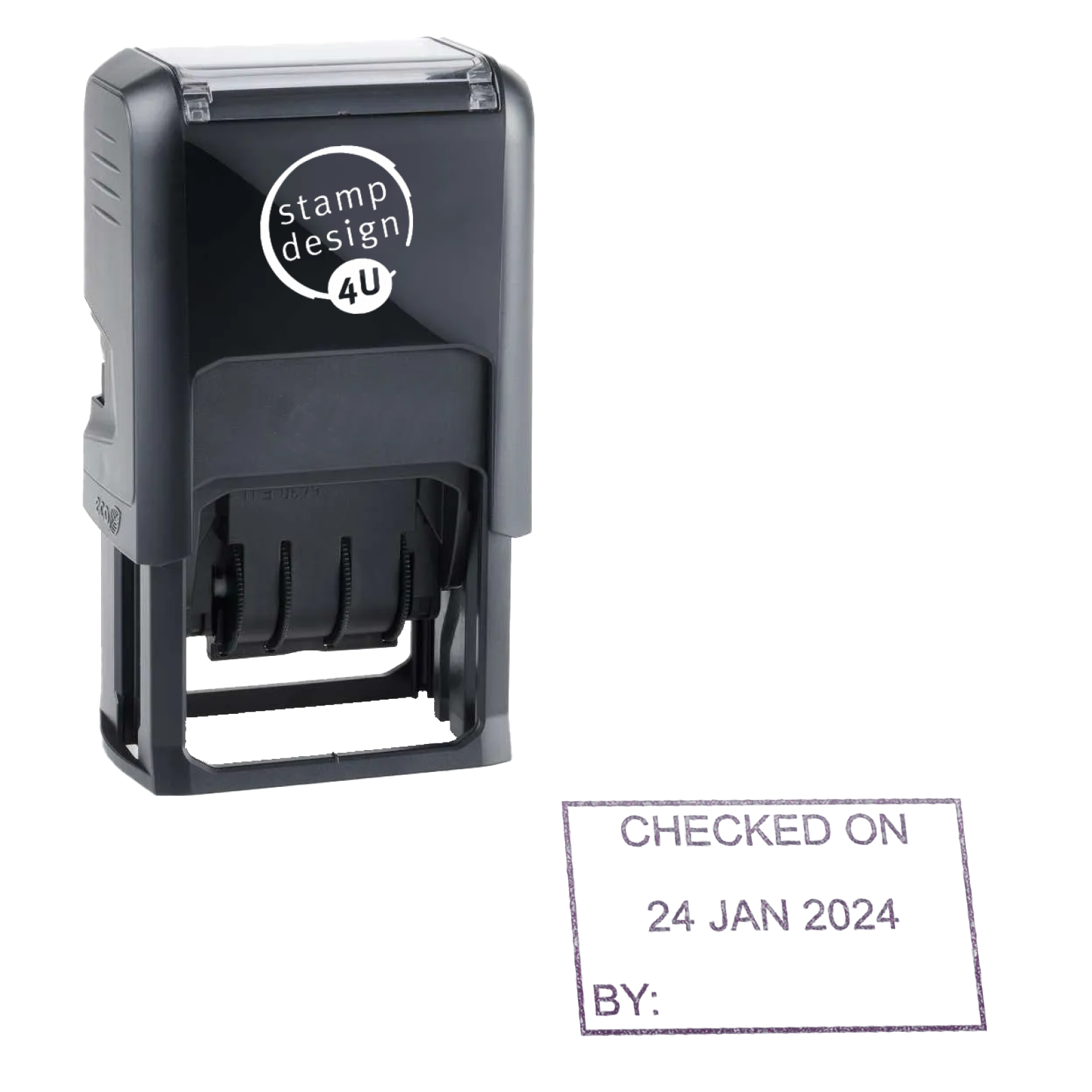
The Trodat Printy 4750 personalised date stamp combines a manually adjustable date with one custom text line above it and one below it. Use it for a business name, department or short workflow message on suitable paperwork. Its self-inking mechanism uses an internal pad.
What you can personalise
- One custom text line above the date
- One custom text line below the date
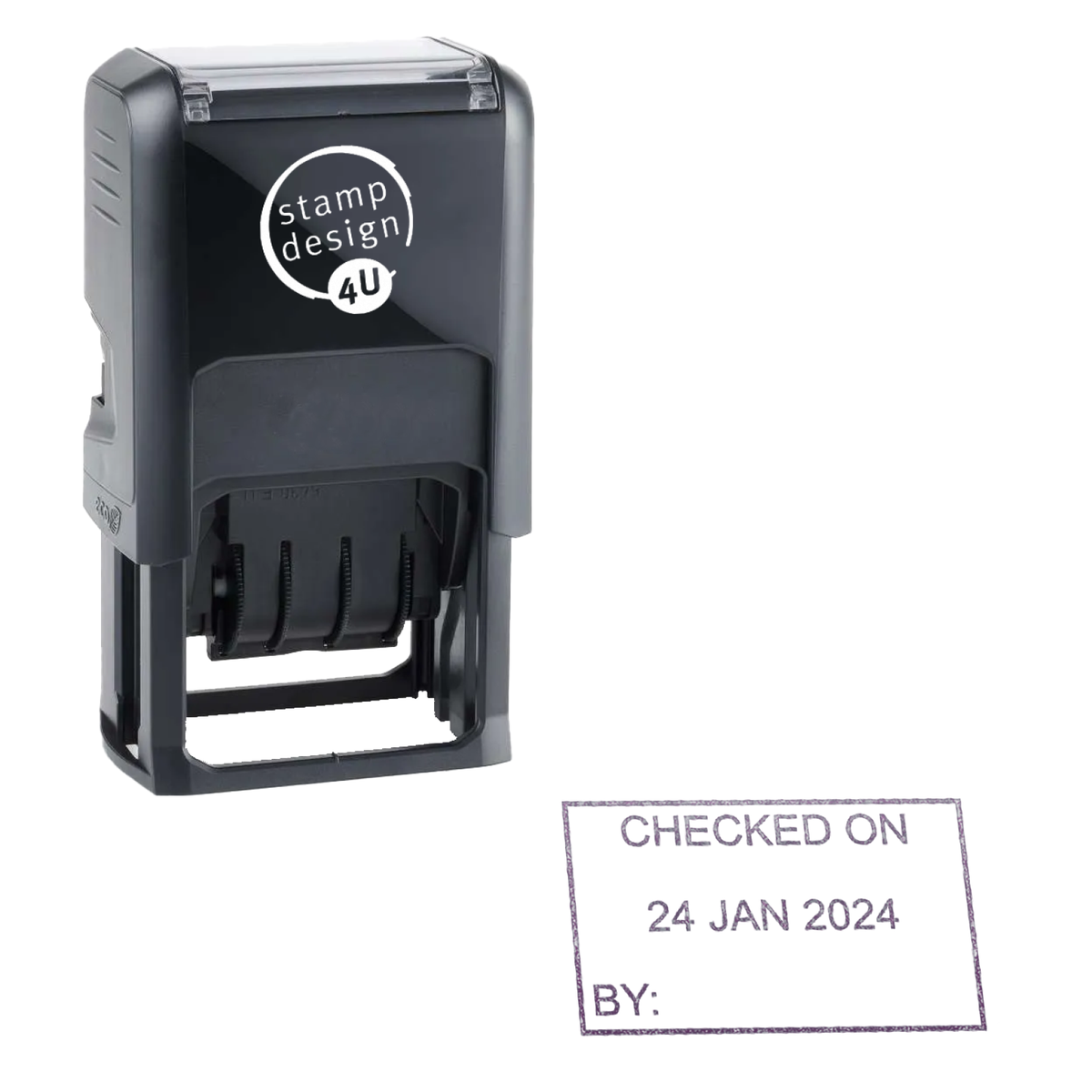
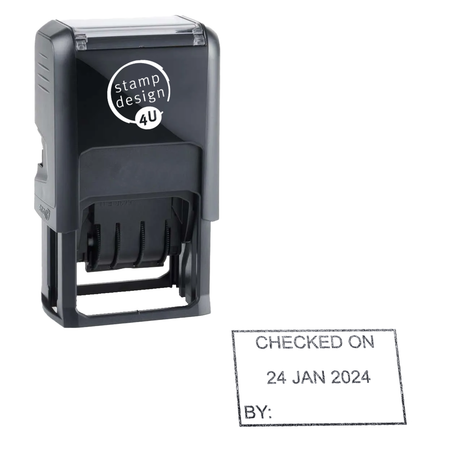
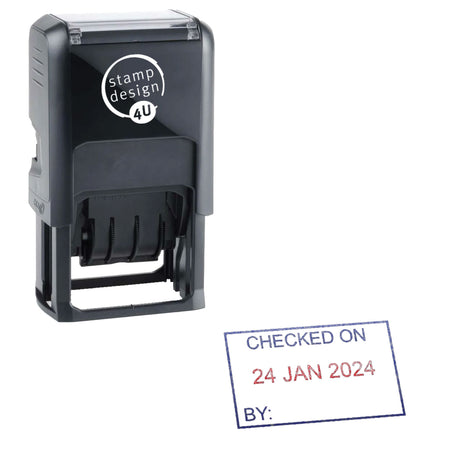
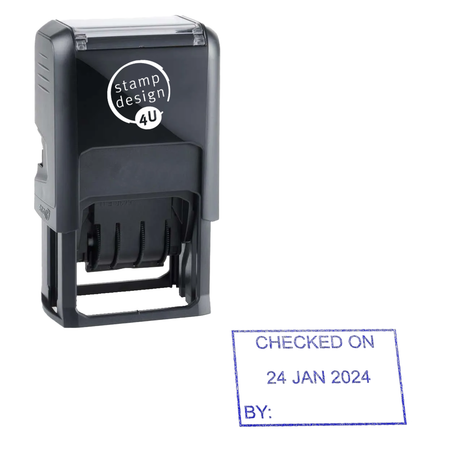
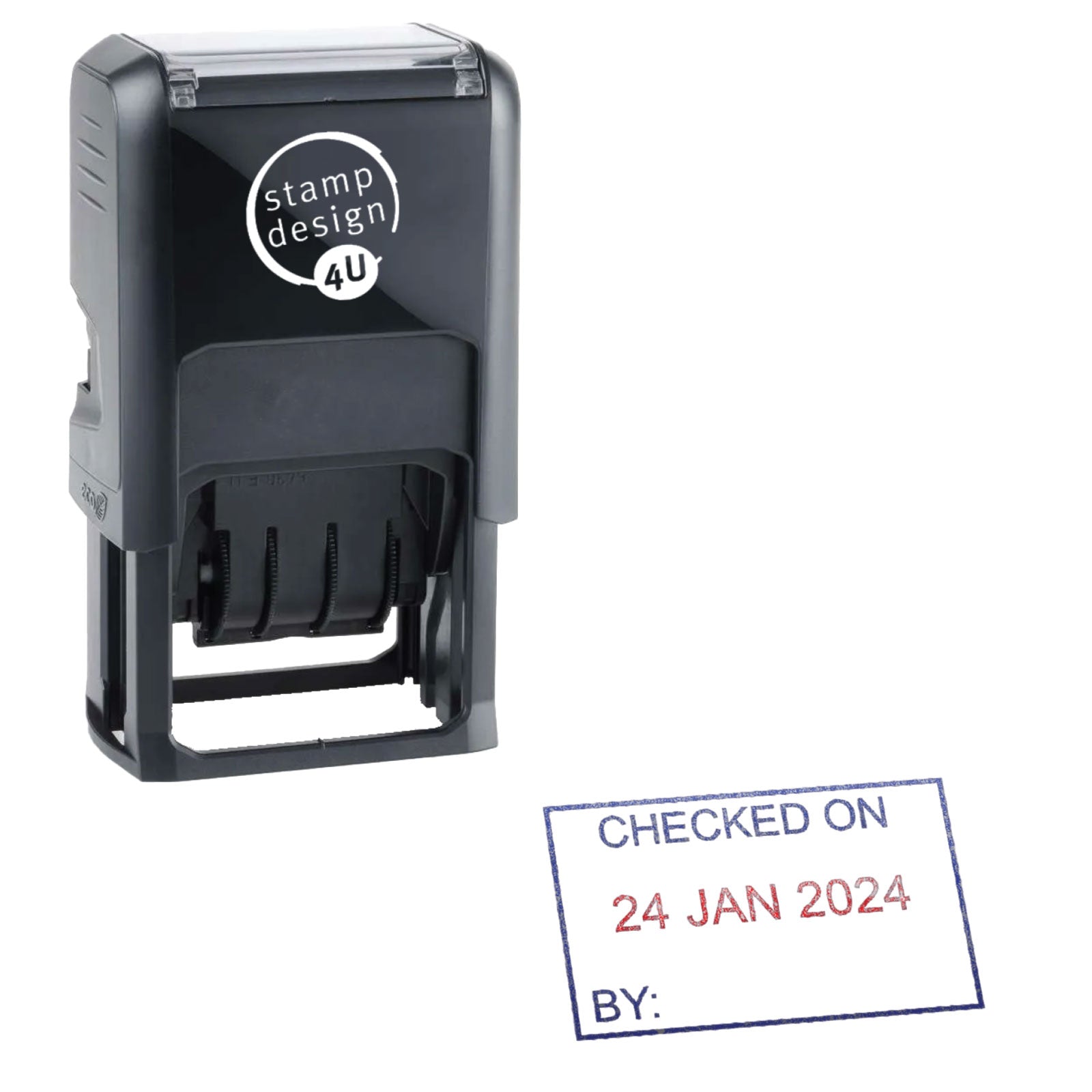
- Current ink options: Black, Blue, Red, Green, Violet, Blue/Red
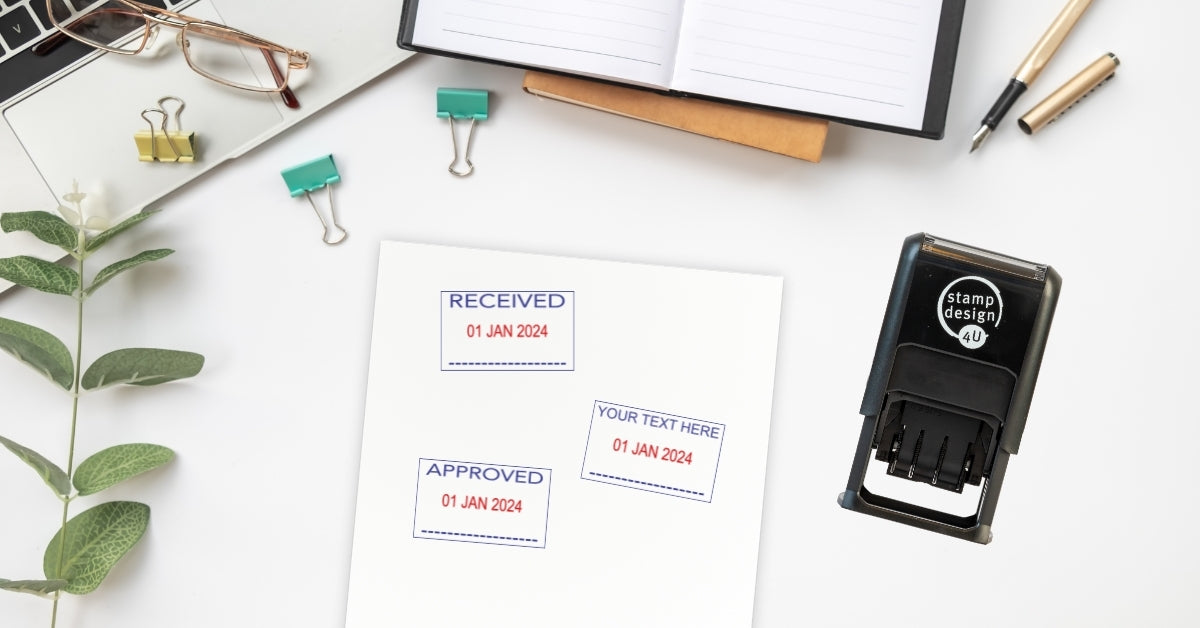
The date is adjusted manually using the bands; the personalised text is made as part of your stamp and is not changed by turning those bands. For example, use RECEIVED BY above the date and a short department name below it, or CHECKED with an internal team name. Keep wording short enough to remain readable in your preview.
Design and check your wording
- Select your ink option and open the personaliser.
- Enter the wording for the two text lines and use the visual preview to check spelling, spacing and the layout around the date.
- Check the selected ink configuration and finished wording before adding your personalised stamp to the basket.
Character capacity depends on the font, wording and layout; there is no single character allowance that suits every stamp. A separate manual proof is available on request; it is not automatically sent with every order. If you need help fitting longer wording, contact us before ordering rather than reducing the text until it is difficult to read.
Ink options and replacement pads
Choose Black, Blue, Red, Green or Violet for a single-colour option, or select the separate Blue/Red option for the divided ink configuration. The single-colour choices should not be treated as Blue text with a Red date.
The compatible replacement-pad range is Trodat 6/4750. Match the pad to your stamp model and intended ink layout. A two-colour configuration needs the appropriate divided replacement, rather than a blanket recommendation of the same pad option for every colour.
Use within your document process
Apply the mark after checking the relevant receipt, inspection or approval step in your normal process. The stamp prints the wording and date selected by the user; it does not carry out checks, verify a payment or update a digital record. Keep any supporting references and records separately.
Compare layouts and stock wording
If you only need one custom text line, compare the personalised Trodat 4850 date stamp and check its printed layout and ink configuration. For fixed messages, compare RECEIVED, CHECKED or PAID date stamps.
Set and check the date
Adjust the day, month and year using the bands according to the instructions supplied with your stamp. Make a test impression on spare suitable material and check the complete message before stamping finished paperwork. Repeat the check at the start of each working day and after changing the bands.
The stamp does not automatically read today's date. Ask us about the year range on the actual stock being supplied if a particular future year matters; do not assume every date stamp has the same date-band range.
Suitable surfaces and maintenance
Standard office stamp ink is intended for suitable absorbent, uncoated paper and card. Glossy labels, laminated material and matt-coated packaging need advice on a compatible stamp and ink combination. Test drying and readability on the actual material before a full run.
Follow your model's fitting instructions when replacing a pad. Match the pad model and ink configuration, not just its apparent size. A faint impression can have more than one cause, so check the setup and surface before assuming the pad is depleted.
Buying advice and alternatives
Read our date stamp buying guide for setup and model-selection advice. Browse stock wording date stamps for standard messages, or personalised date stamps if you need your own wording.
Delivery and help
Free tracked UK delivery is available on orders over £39.99. We aim to despatch eligible orders placed before midday, but this is an aim rather than a guarantee because stock may need ordering in. Tracking is added on despatch. DPD zones B, C and D are sent by Royal Mail Tracked 48. We provide free replacements for missing orders and errors.
For help with date-band years, ink configurations or a deadline, call 01695 769113 or email info@stampdesign4u.co.uk.