

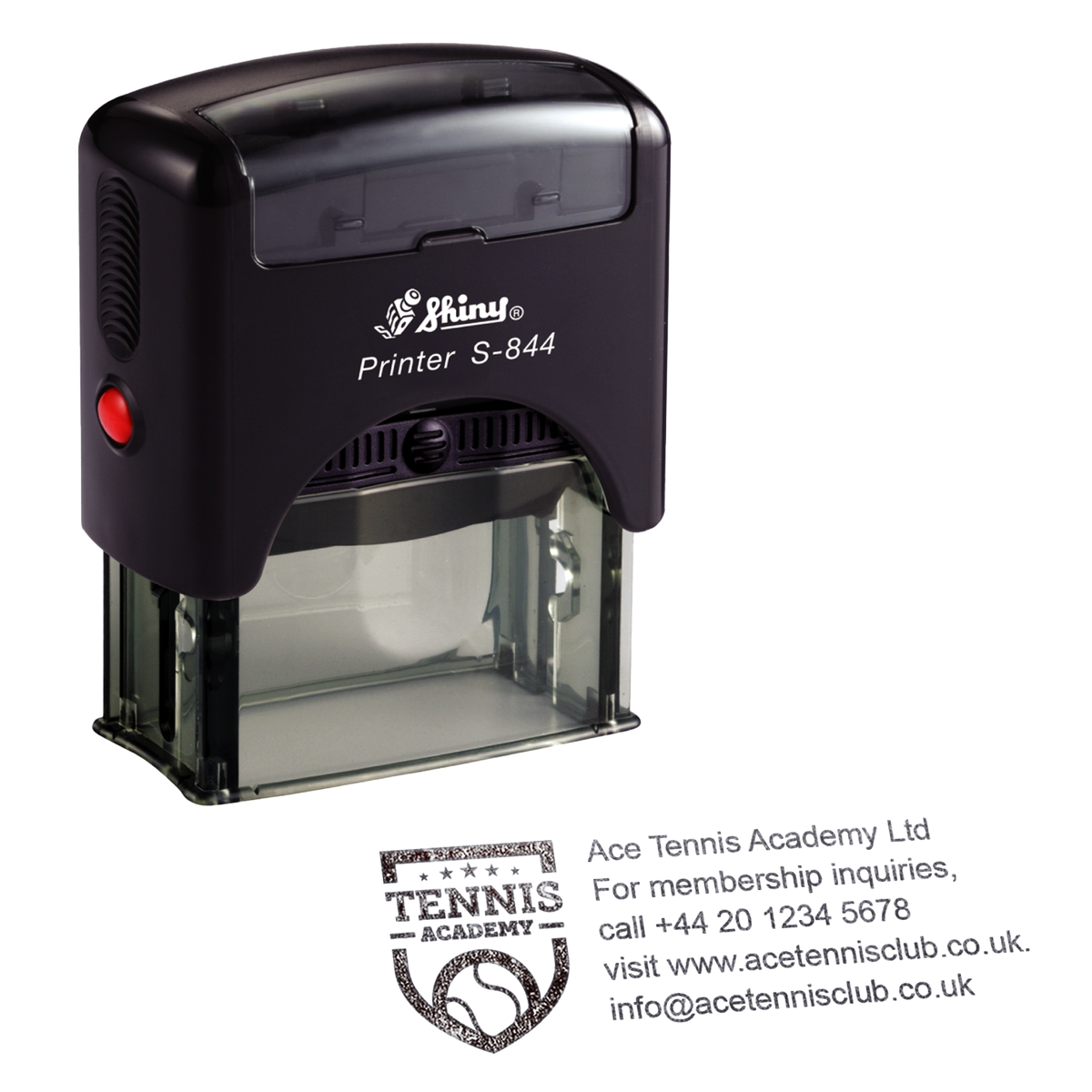
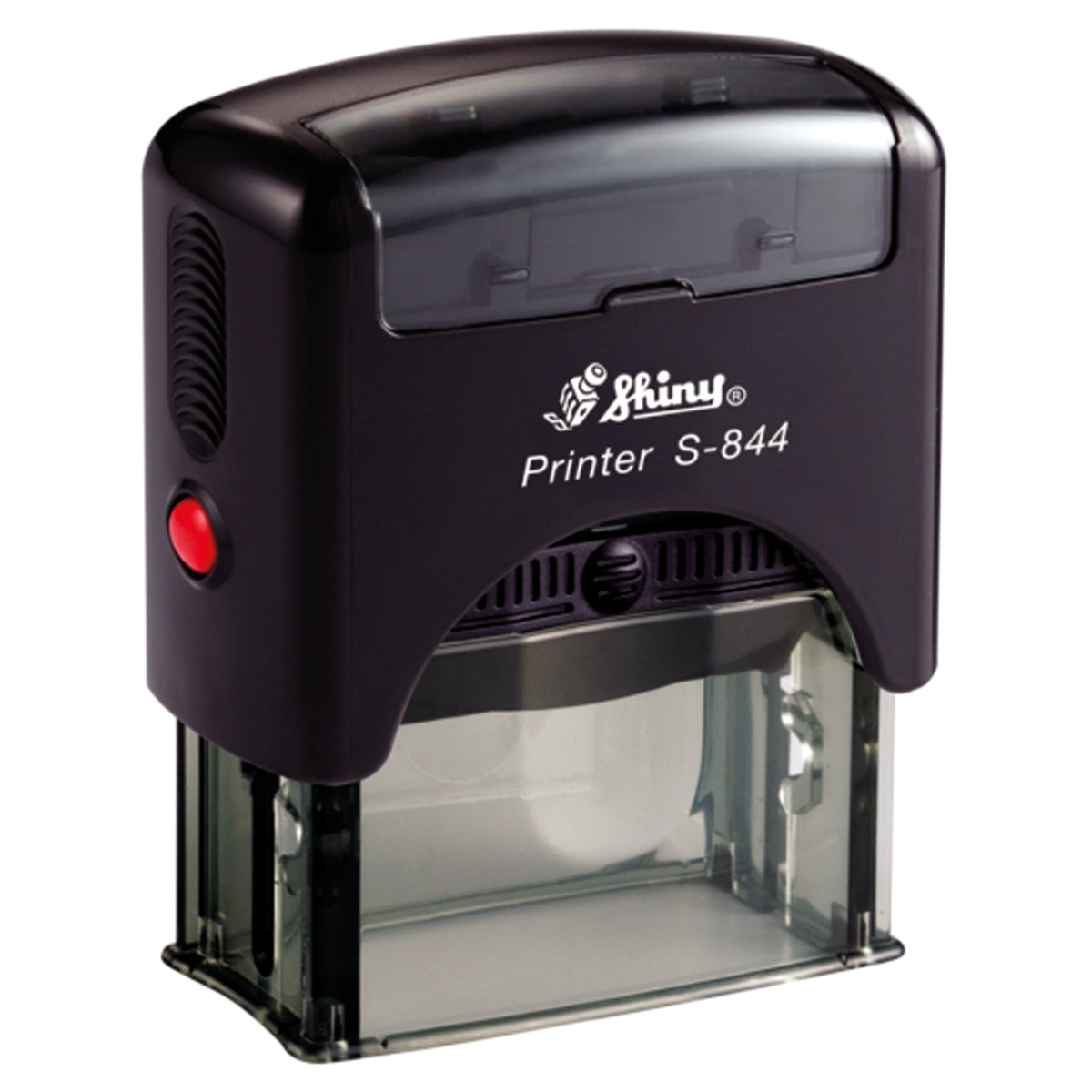




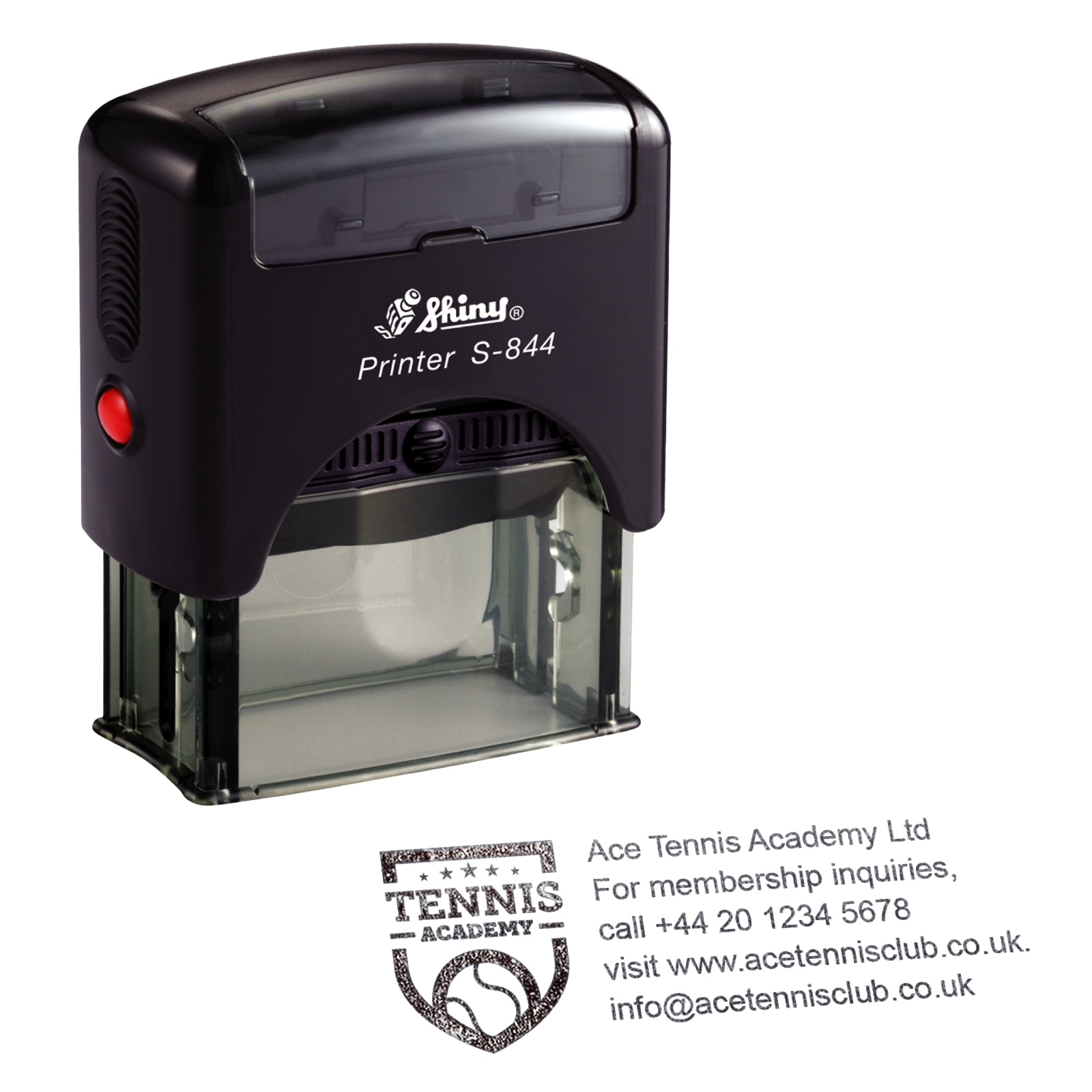
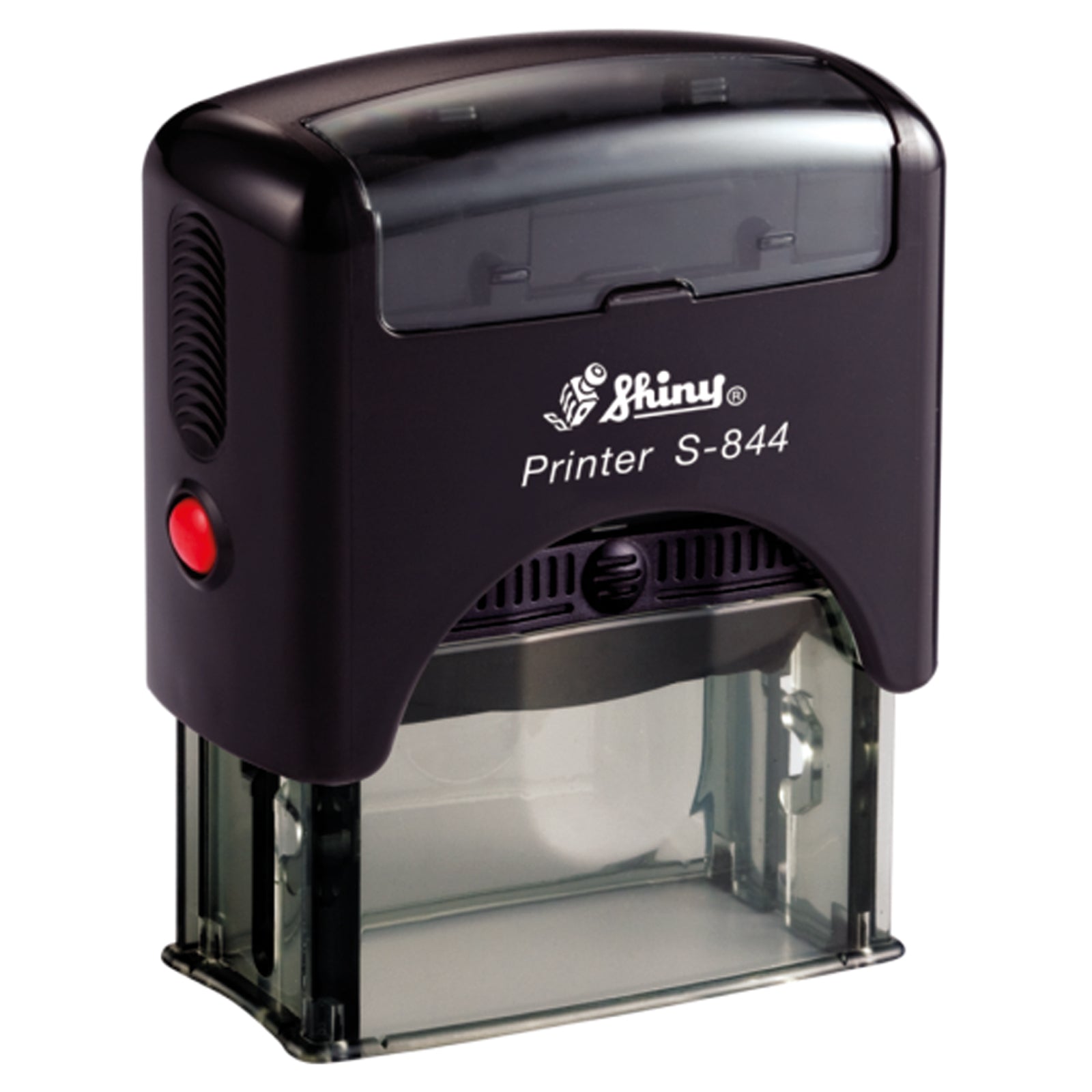

Shiny Printer S844 | Personalised Text & Logo Stamp | 58 x 22mm
- Impression size: 58 × 22mm
- Personalisation: Add text and upload your logo or artwork
- Ideal for: Business addresses, return addresses and everyday correspondence
- Self-inking: Built-in ink pad for quick, repeated stamping
- Replacement pads: Compatible S-1824 pads available
Couldn't load pickup availability
Creating a corrected design
Your original item is still safely in your basket.
KEY BENEFITS
Made for confident everyday use
- Simple self-inking operation
- Clean repeatable impressions
- Replaceable ink pad
- Good everyday value
SPECIFICATIONS
Product specifications
- Impression size
- 58 × 22 mm
- Impression shape
- Rectangle
- Replacement pad
- S-1824
- Typical workload
- Moderate
PERSONALISATION
How personalisation works
Create your design using the existing product personaliser above.
-
Choose your options
Select the available product and ink options.
-
Add your artwork or Text.
Upload and position your artwork in the personaliser.
-
Review and order
Check your design before adding the personalised product to your basket.
COMPATIBLE ESSENTIALS
Keep your stamp working
Replacement pads and refill ink matched to this stamp model.


ALTERNATIVES
Similar Models
Compare similar personalised stamp models from our leading brands.

Stamp Design 4U
SD4U Imprint 13 | 5 Line Personalised Text & Logo Rubber Address Stamp | 58 x 22mm
Impression: 58 × 22 mm

Trodat
Trodat Printy 4913 | Personalised Text & Logo Stamp | 58 x 22mm
Impression: 58 × 22 mm

Colop
COLOP Printer C40 | Personalised Text & Logo Stamp | 59 x 23mm
Impression: 58 × 22 mm
EXPERT GUIDANCE
Helpful guides
PRODUCT DETAILS
Product description
Shiny Printer S844 personalised text and logo stamp
A self-inking stamp with a listed 58 x 22mm impression area and a format of up to 5 text lines. The dimensions describe the printed area, not the outer casing. Readable capacity depends on your wording, font and spacing.
Your logo and wording share this area. A taller or wider logo leaves less room for text, so check the combined layout instead of assuming the maximum line count will remain readable.
Review the complete design
- Use a clear original logo file where available, and check fine lettering, thin lines and the spaces around the logo.
- Judge the layout at the stated millimetre dimensions. Screen zoom changes how large the preview looks.
- Leave room for clear lettering instead of shrinking a long design just to reach the line limit.
- Review the full personaliser visual before ordering. Ask beforehand if you need a separate manual proof; it is available on request and is not automatically sent for every order.
Need another format? Compare this model's logo layout or text layout. For a size or legibility check, prepare an artwork-help enquiry.
Material, colour and ordering
Use a suitable paper or uncoated matt card. For glossy/coated stock, plastic, fabric or another specialist material, ask us to check the exact stamp and ink setup first. Follow the ink maker's instructions and test a matching offcut before marking a batch.
Check the ink colour/options offered for your selected setup, quantity and displayed price. For several names or designs, prepare a bulk request. Check a required arrival date before ordering.
Care and replacement pads
For faint or uneven marks, use the impression checks. Match your stamp model and existing cartridge against the listed Shiny S-1824-7 replacement pad; ask for identification help if the markings differ. Changing the pad renews ink and does not change your wording or logo.