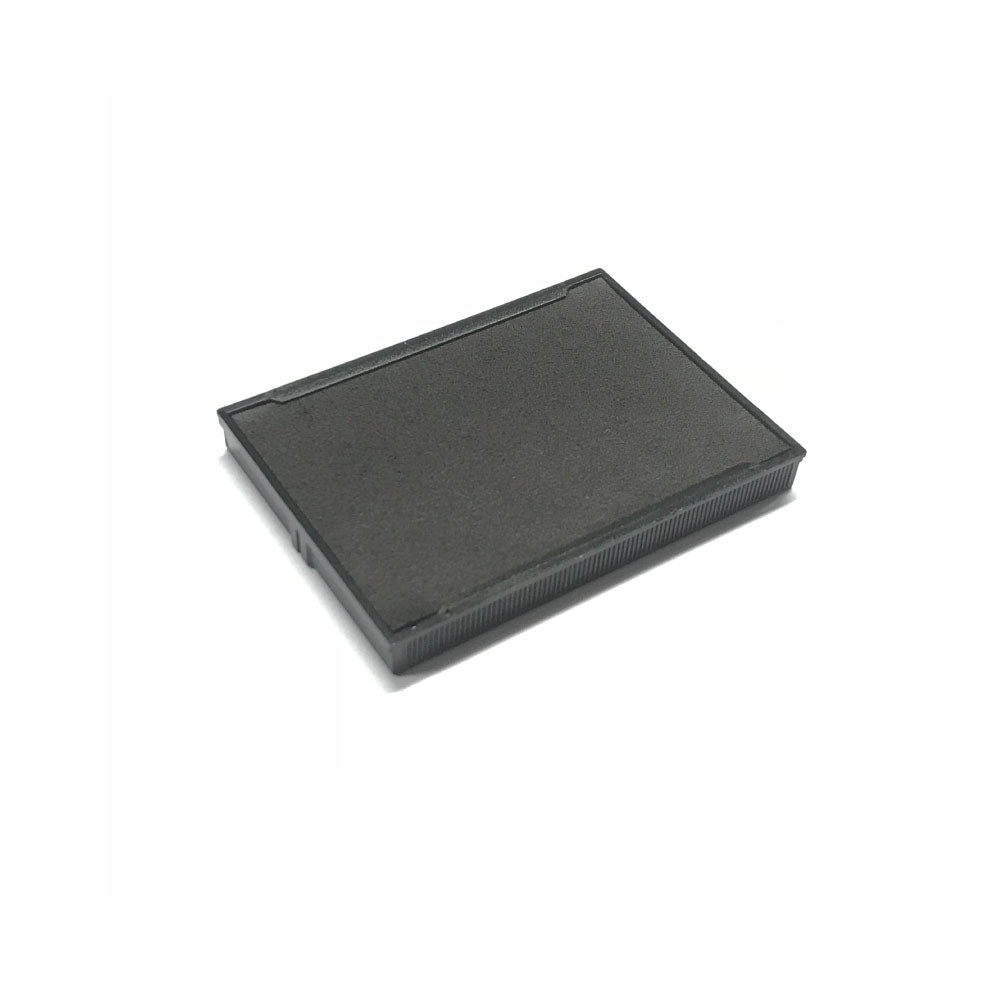
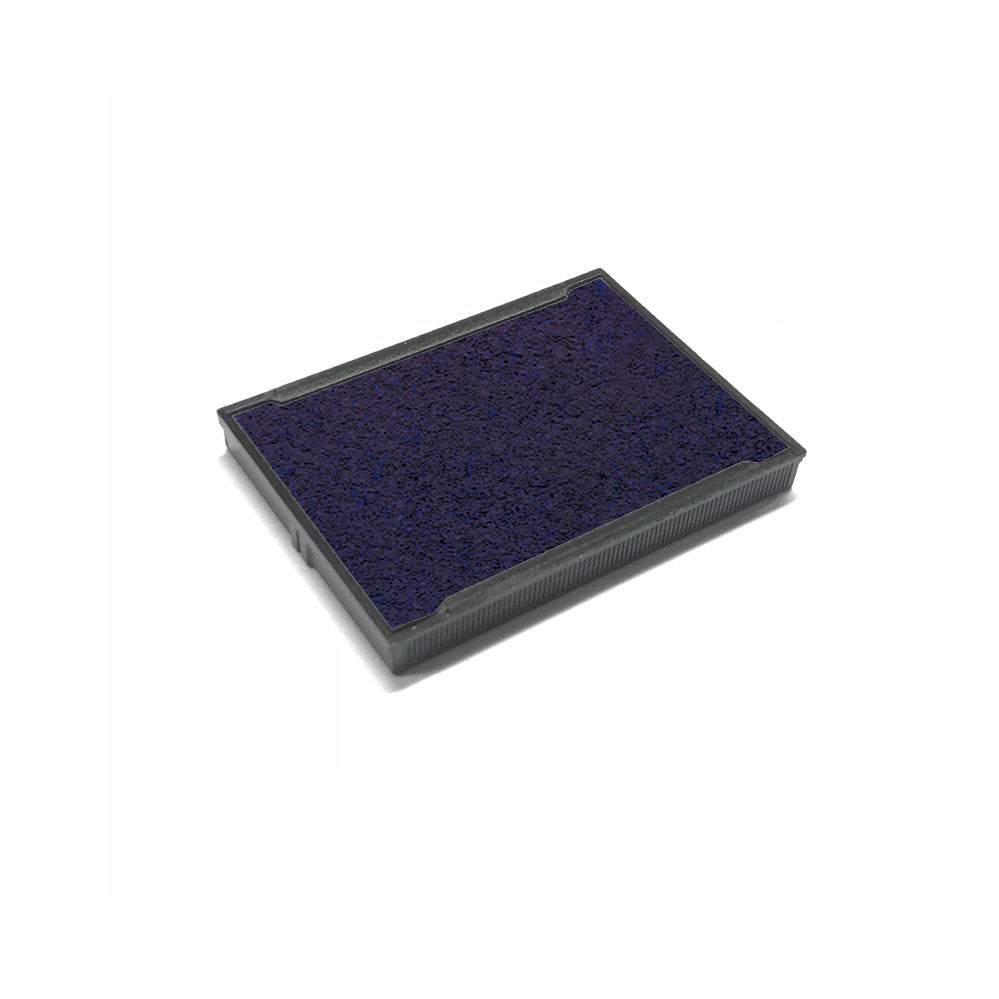
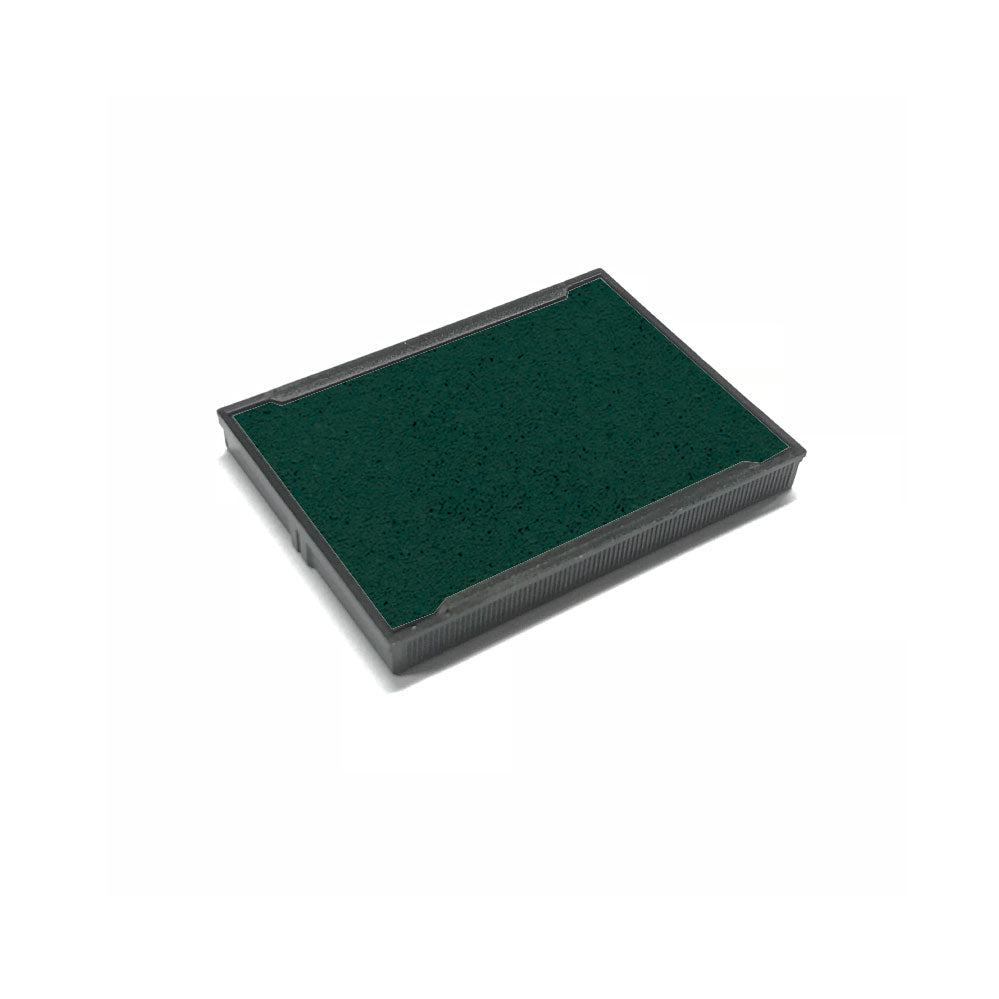
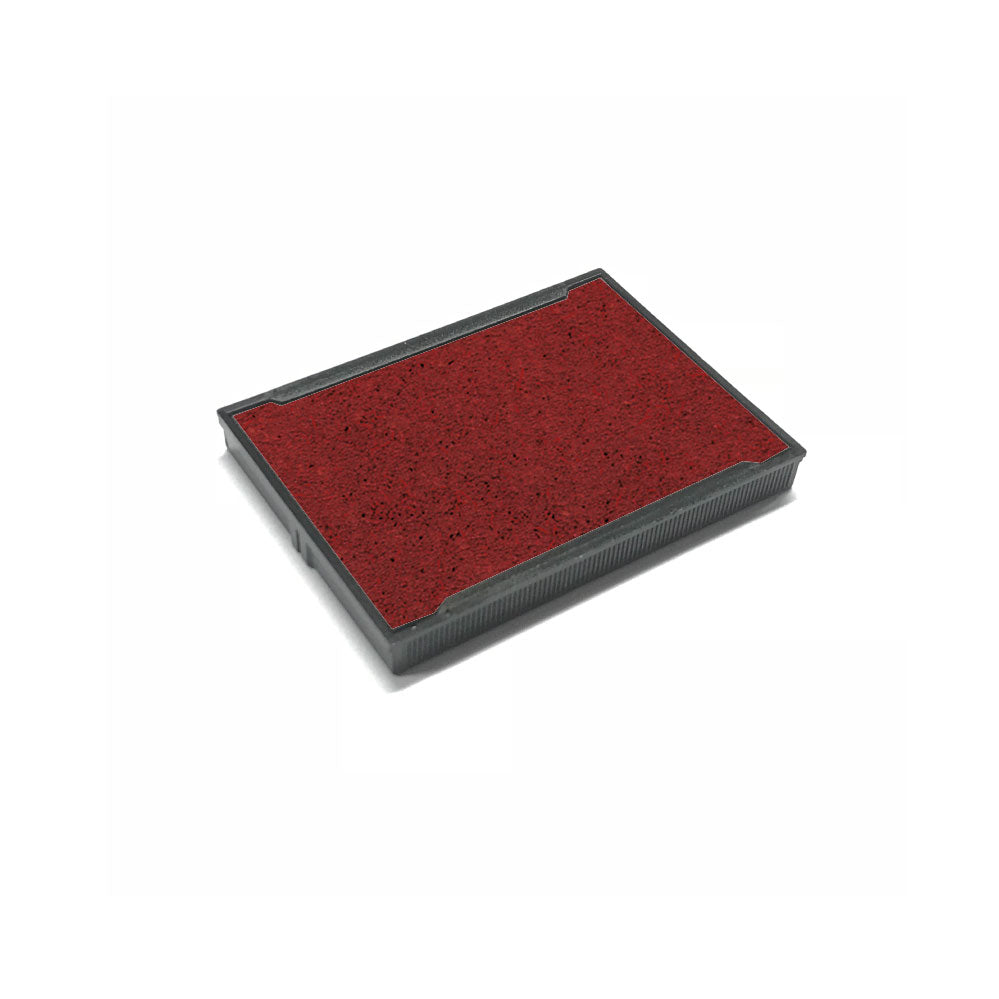
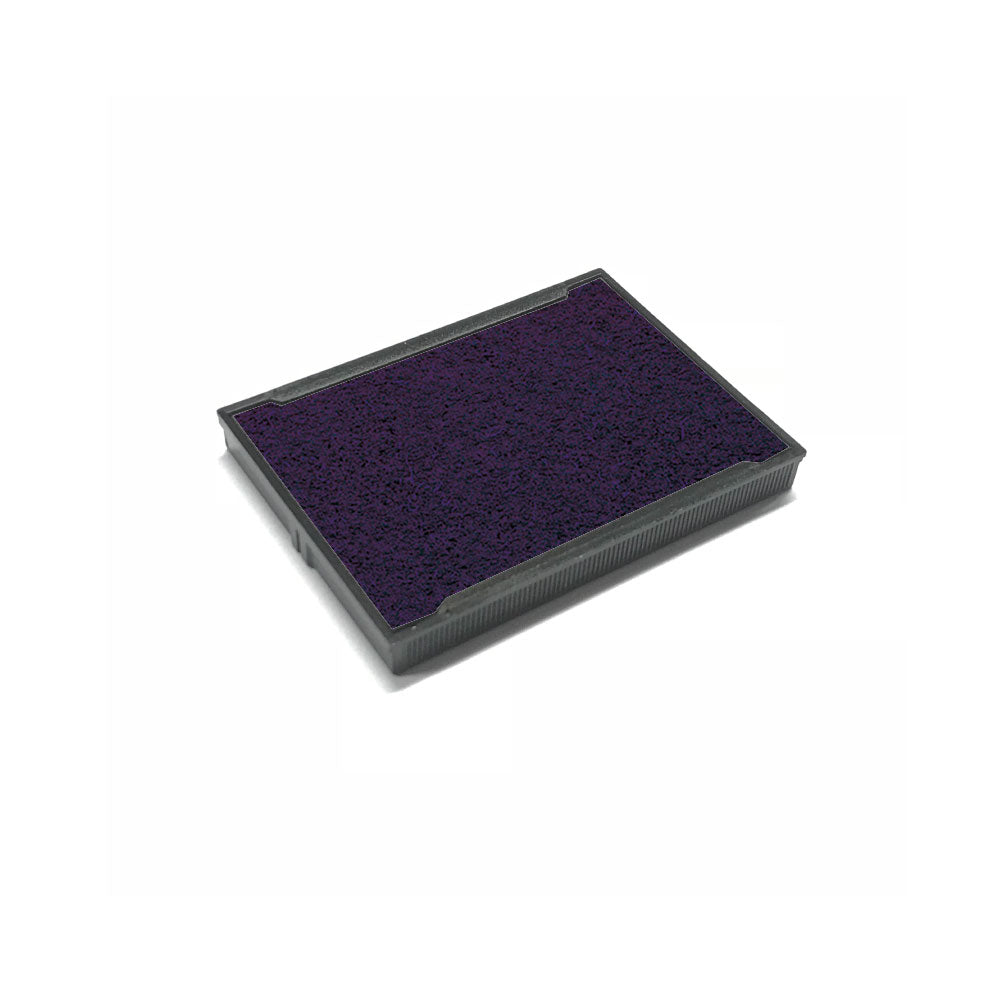
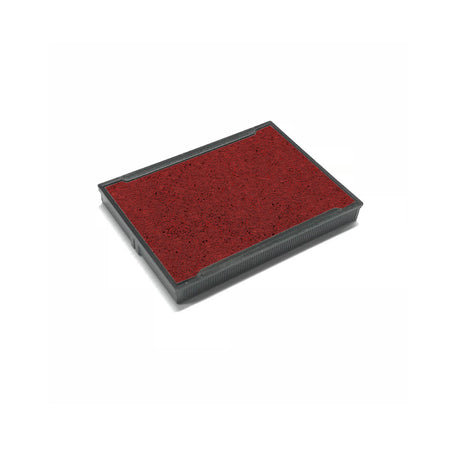
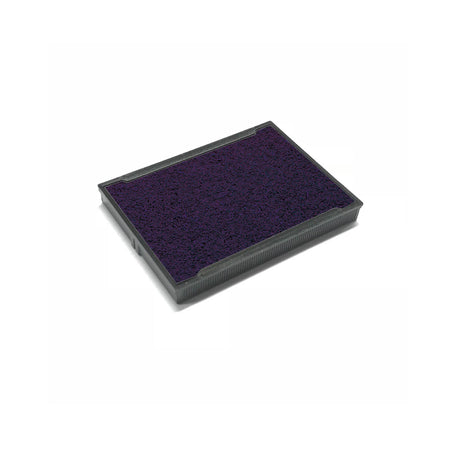
Shiny S829-7 Replacement Ink Pad
Couldn't load pickup availability
Shiny S829 Replacement Ink Pads for the S829 Units
How to Replace the Ink Pad in your Shiny S829 Stamp
The Shiny S-829 Self-Inking Stamp is a durable and reliable tool for repetitive stamping. Over time, the ink pad will need to be replaced to ensure clear, crisp impressions. Follow this simple step-by-step guide to replace the S-829 ink pad efficiently.
Step-by-Step Guide to Replacing the S829 Ink Pad:
1. Press the Stamp Down Slightly
-
Gently press the stamp down about 5mm (¼ inch) until the ink pad becomes visible in the centre.
-
Do not press it fully, just enough to expose the ink pad.
2. Lock the Stamp in Position
-
While holding it in this position, press the side locking buttons (if applicable) to keep the stamp steady.
-
This prevents the stamp from springing back up while replacing the ink pad.
3. Remove the Old Ink Pad
-
Locate the ink pad in the centre of the stamp.
-
Using your fingers or a small tool, push the ink pad outward from the side until it slides out completely.
-
Carefully dispose of the old pad to avoid getting ink on your hands.
4. Insert the New S-829 Ink Pad
-
Take a genuine Shiny S-829 replacement ink pad and slide it into the stamp until it clicks into place.
-
Ensure the inked side is facing downward to allow proper inking.
5. Unlock & Test the Stamp
-
Release the locking mechanism by pressing the stamp slightly.
-
Allow it to return to its normal position.
-
Stamp a few times on scrap paper to ensure even ink distribution and to remove excess ink from the pad.
Tips for Best Results:
✔ Use Only Genuine Shiny S-829 Ink Pads – Ensures high-quality, long-lasting impressions.
✔ Avoid Touching the Ink Surface – Prevents smudging and keeps your hands clean.
✔ Replace When Impressions Fade – If prints become faint or uneven, it’s time for a new ink pad.
✔ Store the Stamp Properly – Keep the stamp closed when not in use to prevent the ink from drying out.
By following these steps, your Shiny S-829 Self-Inking Stamp will be refreshed and ready to produce thousands of sharp, professional impressions with ease! ✅
The Shiny S829-7 Replacement pad will give you a clean and clear stamped image. The replacement pads are cost effective and essential for any person who is regularly using their stamp. Each pad usually last for around 1000 impressions.
- Brand - Shiny
- Pad Size - 64 x 40mm
- Suitable for - S-829, S-829D.
- Available in: Black, Blue, Red, Green & Violet
RELEVANT CATEGORIES
RELATED GUIDES
SHINY INK PADS QUESTIONS
Shiny Replacement Ink Pads FAQs
How do I know which Shiny ink pad I need?
Check the model number on your Shiny stamp, such as S-842, S-400, S-843 or S-530. Choose the matching replacement ink pad for the best fit and performance.
Can I replace the ink pad in my Shiny stamp?
Yes, Shiny self-inking stamps are designed so the ink pad can be replaced when the impression becomes light, patchy or dry.
Are Shiny replacement ink pads easy to fit?
Yes, most Shiny replacement pads slide out and click back into place. Always choose the correct pad for your stamp model.
What colours are Shiny ink pads available in?
Common Shiny ink pad colours include black, blue, red, green and violet. Availability may vary depending on the stamp model.
Do I need a new Shiny stamp or just a new ink pad?
If the stamp body still works but the impression is faded, dry or uneven, a replacement ink pad is usually the best option. If the stamp mechanism is damaged, you may need a new stamp.